

KnowBe4
KnowBe4 and Synthesia have partnered to make professional video creation fast, scalable, and effortless for modern learning teams. Create AI-generated training videos in minutes inside Synthesia and publish them directly into KnowBe4 as SCORM 2004 courses — no cameras, studios, or video editing skills required.

Synthesia's KnowBe4 integration lets you publish Synthesia videos straight into KnowBe4 as SCORM 2004 training courses. Once an admin connects your workspace to KnowBe4, any creator can export a published video to KnowBe4 straight from the share menu. And when you need to update a course, simply edit the video in Synthesia, republish, and re-export — the existing KnowBe4 course updates in place, with no duplicates.
Availability: KnowBe4 ModStore Synthesia Starter Plan Offer Customers
Key Customer Benefits
- 10x Faster Content Creation: Turn scripts, PDFs, or presentations into professional training videos in minutes, not weeks.
- Always Up-to-Date: Edit your video in Synthesia, republish, and re-export — the KnowBe4 course updates in place. No duplicates, no re-uploads.
- SCORM 2004 Delivery with Full Tracking: Publish videos as SCORM 2004 courses so learner completions and progress are tracked natively inside KnowBe4.
Global Scale: Instantly translate training content into 140+ languages to support teams and learners worldwide. - Reduced Costs: Eliminate expensive video production vendors — save $5,000–$15,000 per video and 75–90% of production time.
- Brand Consistency: Maintain consistent messaging across all training content with custom AI avatars and branded templates.
How the integration works
Publishing Synthesia videos into KnowBe4 takes a one-time admin connection, then a simple export from any published video. Videos upload as SCORM 2004 courses and appear in KnowBe4 under Custom Content.
Step 1 - Connect KnowBe4 (admin, one-time)
-
In Synthesia, go to Workspace Settings → Integrations → KnowBe4 → Connect.
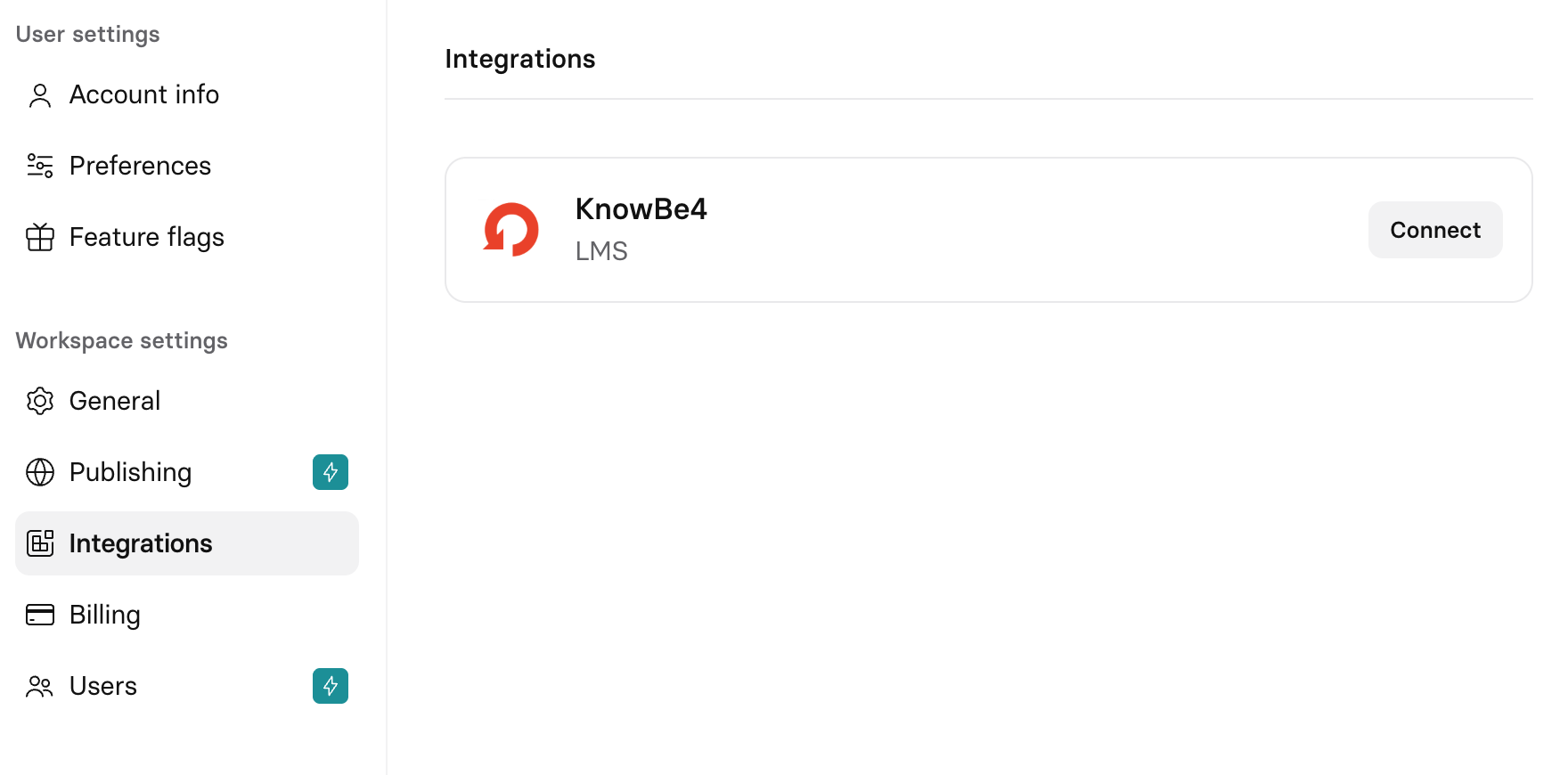
Synthesia KnowBe4 integration
-
In KnowBe4, generate the Synthesia integration API key, then click Save Changes (the key isn't active until saved).
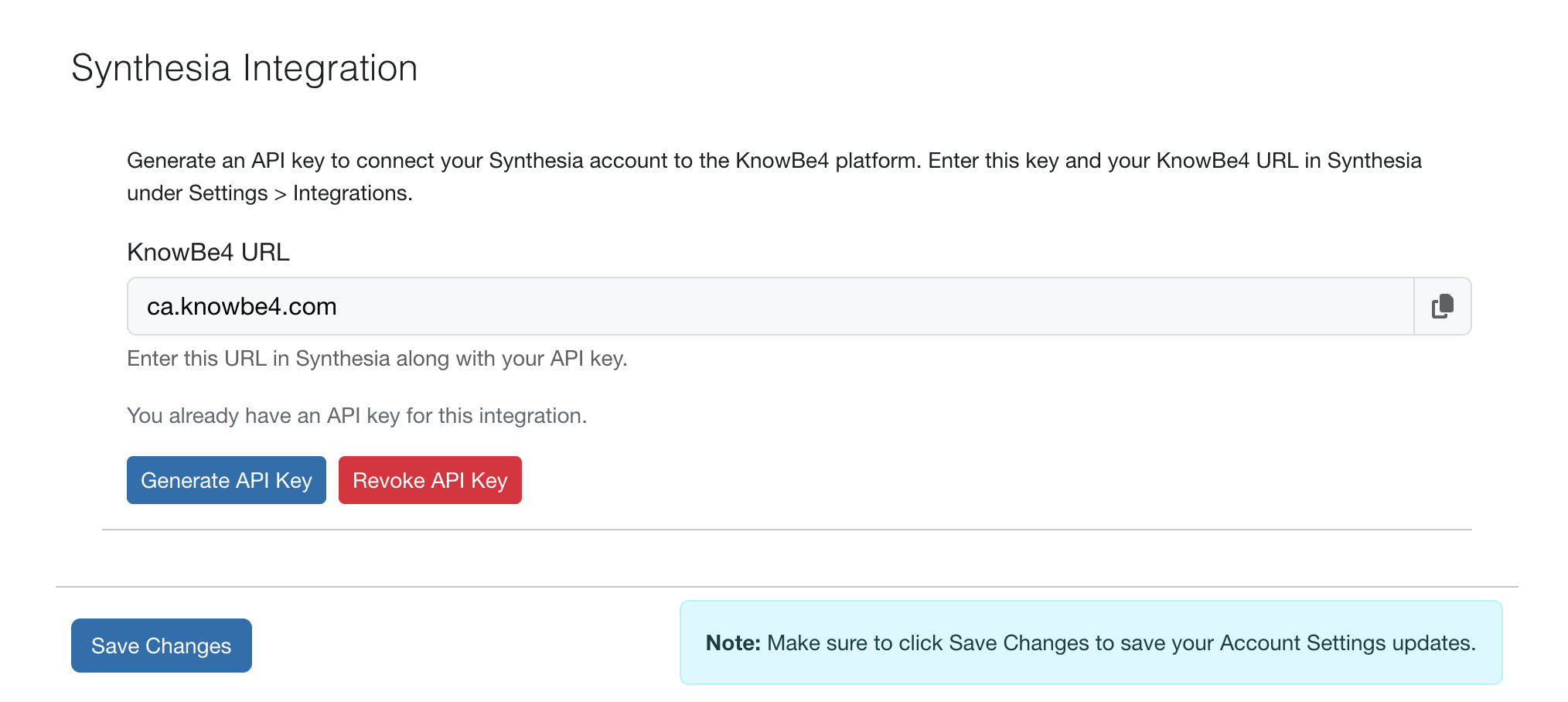
KnowBe4 API key
-
Back in Synthesia, enter the KnowBe4 domain and API key, then click Connect.
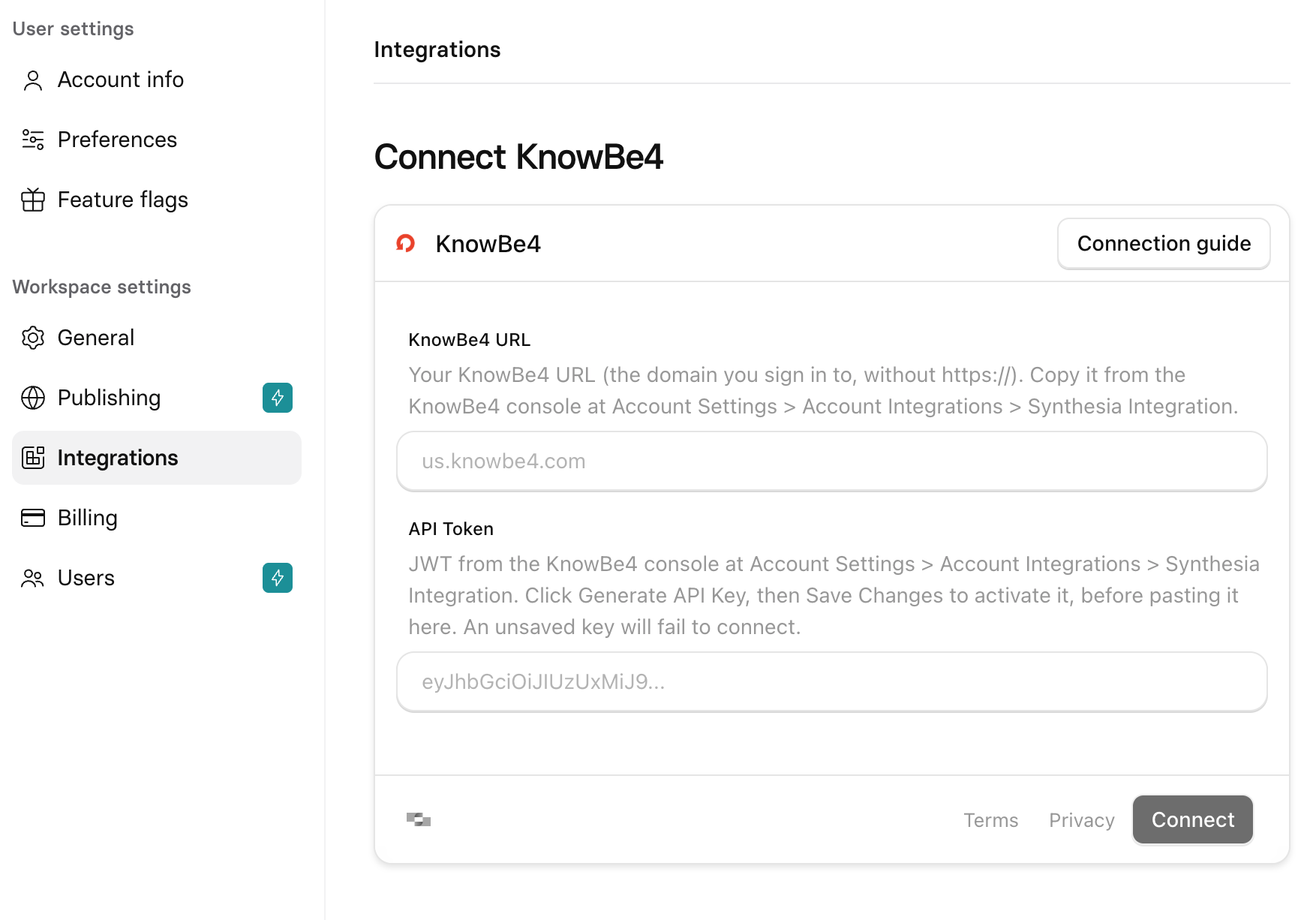
Connect KnowBe4 to Synthesia
Note: Connecting is admin-only. Non-admins will see an "ask your admin to connect" message.
Step 2 - Export a video to KnowBe4
-
In Synthesia, publish your video (it must have a public link).
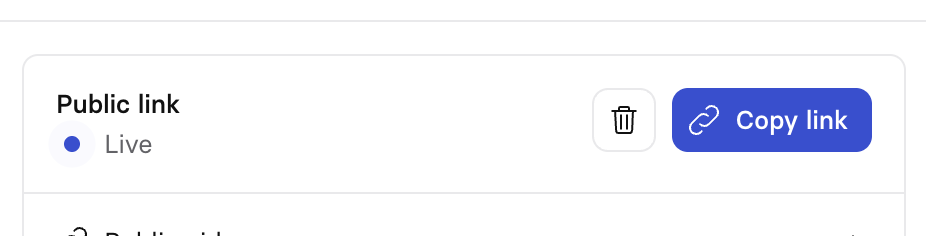
Public link is live
-
Open the video → Share → Export to KnowBe4
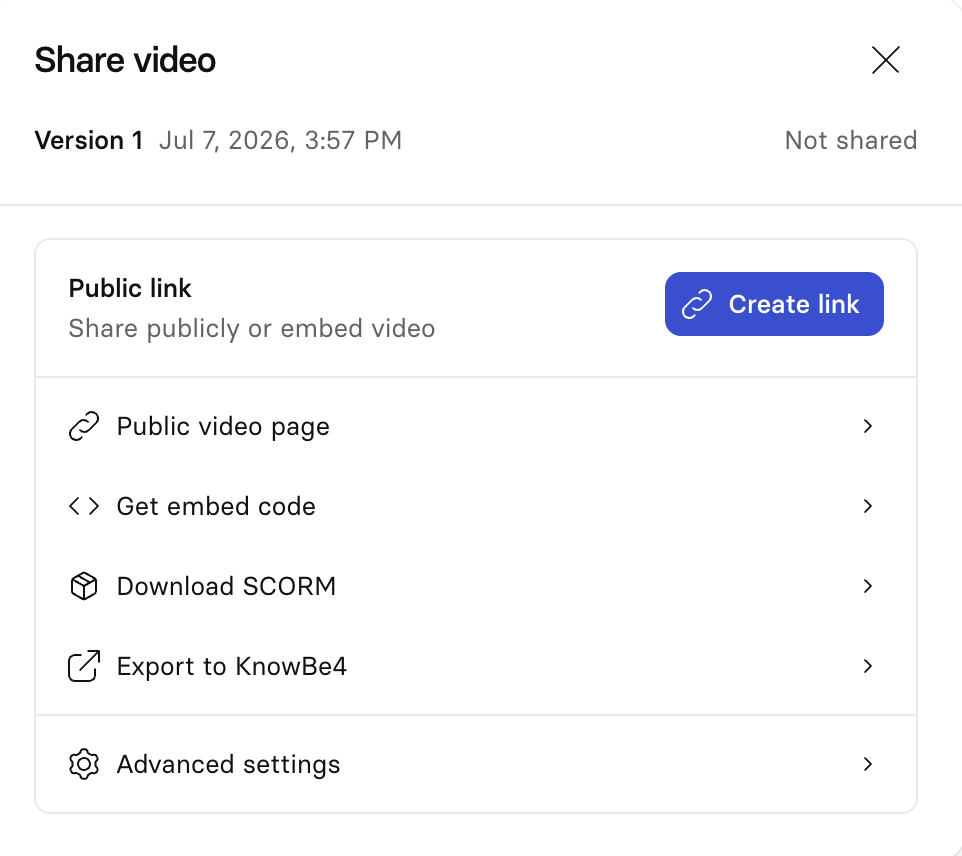
Export to KnowBe4 option in share window
-
Select Export to KnowBe4.
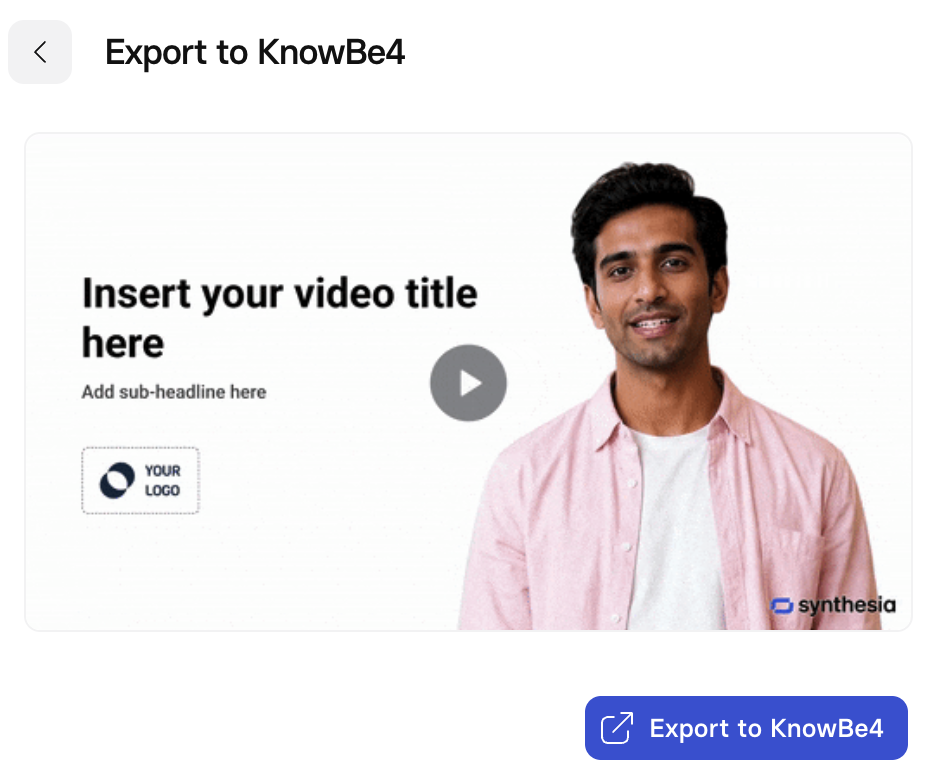
Export to KnowBe4
-
The video uploads as a SCORM 2004 course and appears in KnowBe4 as Custom Content.
Note: Course titles must be 65 characters or fewer and unique in KnowBe4. Over-long or duplicate titles are rejected with an inline error.
Step 3 - Update a video already in KnowBe4 (Re-export)
- Edit the video in Synthesia, then publish again (export always uses the published version).
- Open the video → Share → Export to KnowBe4 → Export.
- The existing course updates in place — title, thumbnail, and content — with no duplicate.
Note: If you edit but don't republish, the export will ship the previously published version.
Refer to How do I share my video? for details on publishing and sharing in Synthesia.
Use Cases
- Employee Onboarding: Create consistent, professional onboarding videos for new hires across departments, locations, and languages — and update them instantly when processes change.
- Compliance Training: Rapidly build and update regulatory or policy training content to keep employees current without expensive reshoots.
- Product and Systems Training: Build step-by-step training videos for internal tools, software rollouts, or operational processes that stay accurate as products evolve.
- Customer and Partner Enablement: Scale external training content for customers and channel partners with localized video that maintains brand consistency globally.
- Manager and Leadership Development: Produce professional development content at scale without relying on in-person sessions or live recordings.
- Sales Enablement: Equip sales teams with on-demand video training on messaging, objection handling, and competitive positioning — updated in real time as strategy shifts.
Troubleshooting
- "Export to KnowBe4" not showing → the account isn't a KnowBe4 ModStore Synthesia Starter Plan account, the video isn't published, or you're in the wrong workspace.
- "Title is too long (max 65 characters)" → shorten the title and re-export.
- "A KnowBe4 course already exists with this title" → rename the video, or update the existing course by re-exporting.
- Updated video not reflected in KnowBe4 → republish in Synthesia, then re-export.
- "Your KnowBe4 connection is no longer authorized" → reconnect in Workspace Settings → Integrations → KnowBe4 (currently Disconnect, then reconnect).
Notes:
After upload, KnowBe4 validates and processes the SCORM asynchronously; per-export status isn't surfaced in-product at launch.
Updated 4 months ago