---
updatedAt: 2026-09-09T16:58:57.000Z
agentTools:
projectIndex: https://docs.synthesia.io/llms.txt
---
# Avatar Builder
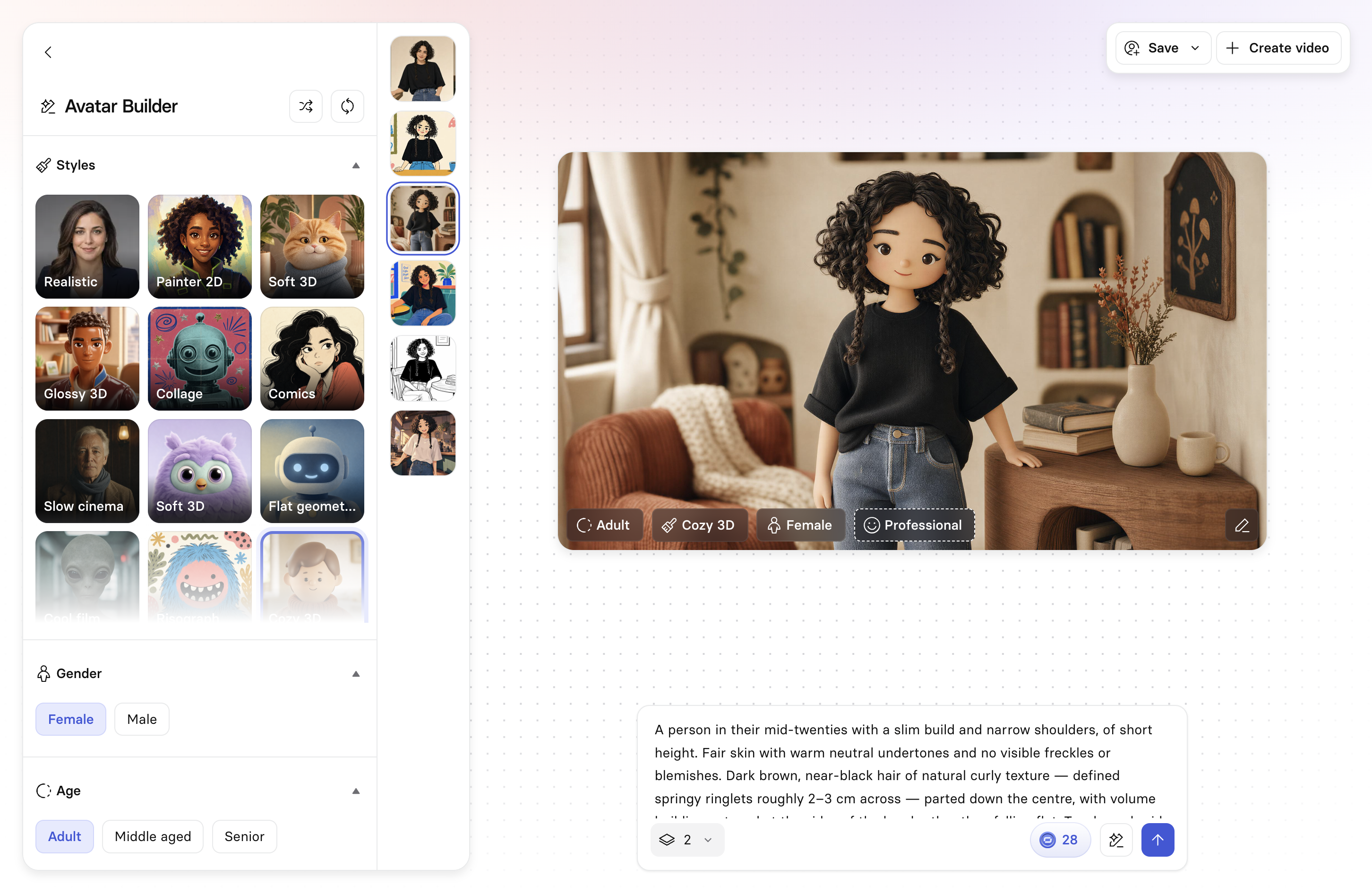
Create a custom Style avatar—lifelike or stylized—from a starter concept, panel controls, or a text prompt, then use it to create videos in that avatar's style.
Use Avatar Builder when a stock avatar doesn't fit what you need—a specific look, a mascot, or a stylized character instead of a realistic presenter. Build a Style avatar once, then reuse it across as many videos as you like.
### Note:
Access to the Avatar Builder can be managed on both organization and workspace levels via [organization settings](https://docs.synthesia.io/docs/organization-settings) and [workspace settings](https://docs.synthesia.io/docs/workspace-settings).
### Note:
Each option generated for a Style avatar consumes 14 credits.
## Create an avatar
**To build an avatar:**
1. Go to the [Avatars](https://docs.synthesia.io/docs/synthesia-avatars) page.
2. Select `+ Create Avatar`.
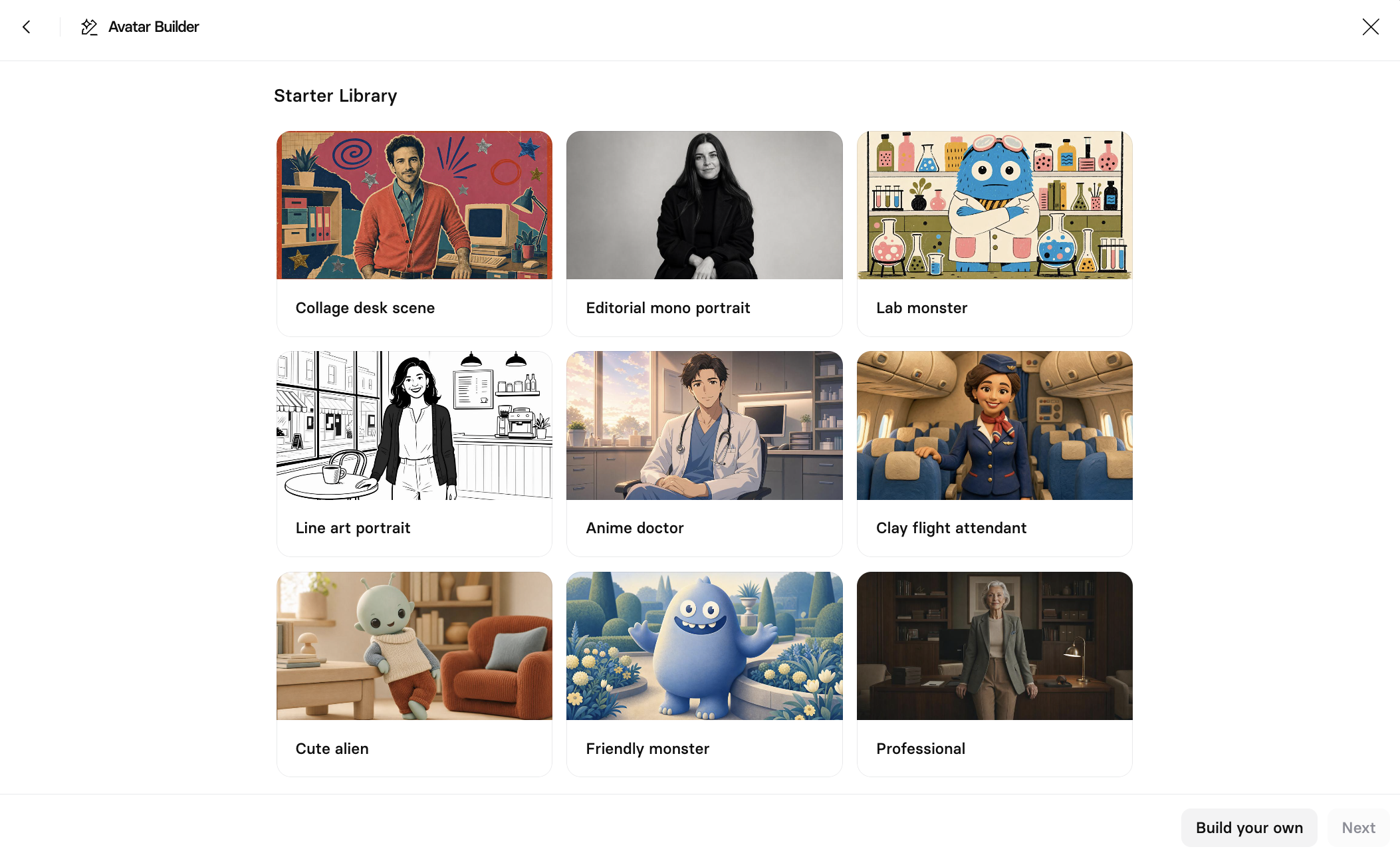
3. Launch Avatar Builder, then choose a Starter Library option, or select `Build your own` at the bottom-right to start from scratch:
4. Pick a style from the Styles panel ([see available styles](#panel-controls)).
5. Refine the avatar using the [panel controls](#panel-controls), the [prompt box](#prompt-box), or both.
6. Specify how many options to generate, then select the arrow button to generate. Each option consumes 14 credits (i.e. 2 options will consume 28 credits, 3 options will consume 42 credits, 4 options will consume 56 credits).
7. Review the generated options and select the one you want.
8. To save your avatar, click `Save` at the top right, edit the avatar's name and select a `Voice` for it, then select `Save`:
9. Once saved, your Style avatar behaves like other customizable avatars and appears in your avatar library—filter to `My avatars` to find it.
### Note:
Generating avatars takes 2 to 3 minutes.
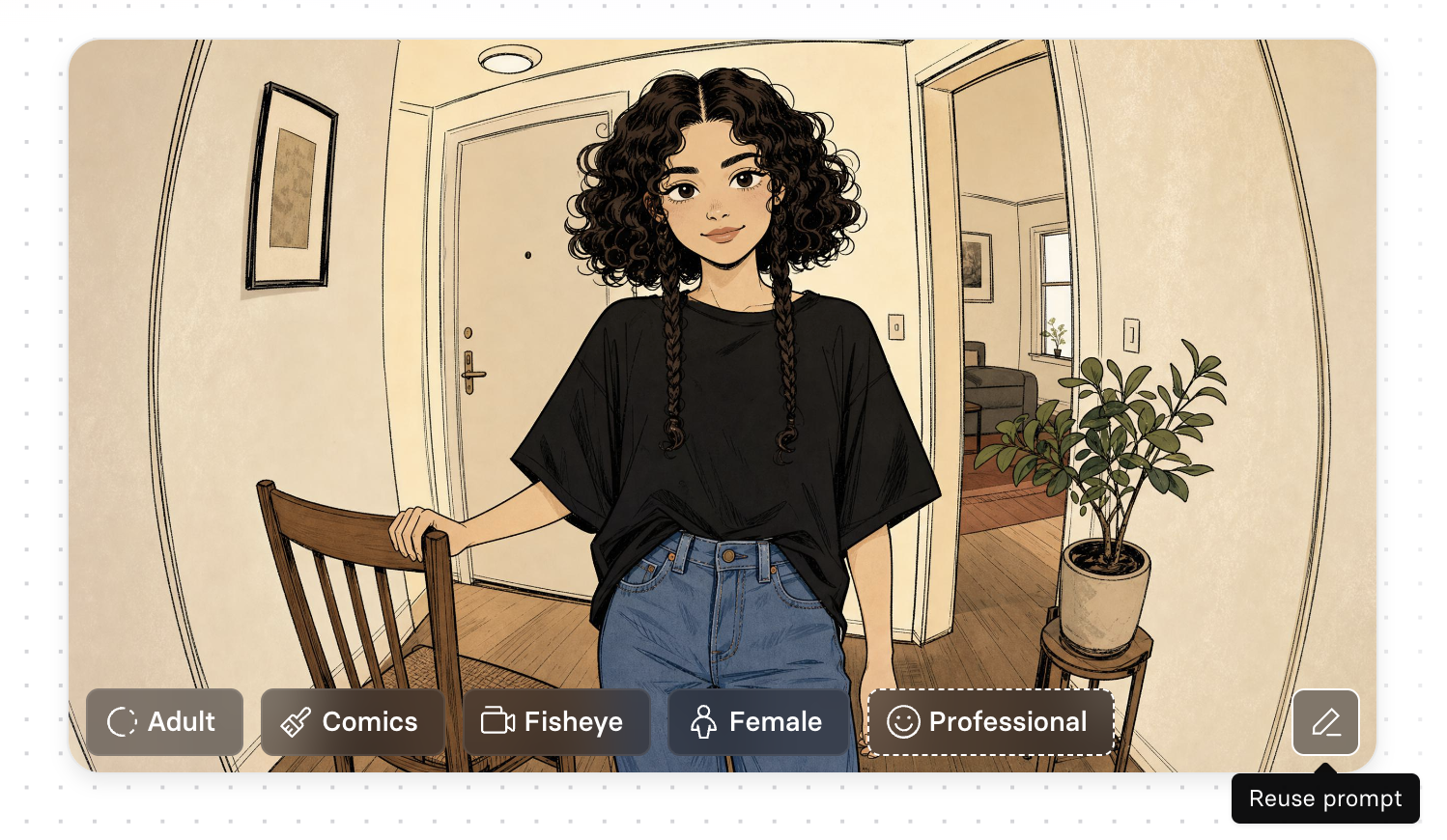
Past generations from the same session are kept in a scrollable rail, so you can flip back through earlier attempts before deciding. You can also select any past attempt, then click the pencil icon in the bottom-right of the preview to reuse and tweak your prompt, or try it out with different styling options from the panel controls:
### Note:
Customizing non-human or stylized avatars may not always follow the avatar's own style. For example, placing a cartoonish avatar in a realistic space should make the space cartoonish too, but the opposite result may occur.
### Header actions
* `Randomize`: Randomize all of the current panel settings at once.
* `Reset`: Reset all panel settings back to their defaults.
### Panel controls
Panel sections you can expand to refine the Style avatar:
| Section | Options |
| -------------- | ----------------------------------------------------------------------------------------------------------------------------------------------------------------------------------------------------------------- |
| **Styles** | Realistic, Painter 2D, Soft 3D, Glossy 3D, Collage, Comics, Slow cinema, Flat geometric, Cool film, Risograph, Cozy 3D, Gouache, Illustrated, Painterly, Charcoal, Anime, Vintage Film, Black & White, Claymation |
| **Gender** | Female, Male |
| **Age** | Adult, Middle aged, Senior |
| **Vibe** | Professional, Friendly, Energetic, Calm, Serious, Playful, Confident, Warm, Dramatic |
| **Camera** | Standard, Fisheye, Wide angle, Telephoto, Shallow DoF, Tilt shift, Dutch angle, Action cam |
| **Framing** | Wide, Waist up, Chest up, Headshot |
| **Pose** | Standing, Seated, 3/4 Turn, Leaning, Arms crossed |
| **Position** | Center, Left, Right |
| **Expression** | Neutral, Soft smile, Warm smile, Broad smile, Grin, Knowing smile, Serious, Intense |
| **Lighting** | Natural, Soft studio, Golden hour, Hard rim, Neon, Low key, High key, Dramatic |
### Prompt box
Type a description of the avatar you want, instead of or alongside using the panel controls.
* Select `Suggest a description` (the sparkling pencil icon) or press `Tab` to have Avatar Builder generate a description for you, based on your current panel settings.
* Use the **Number of assets** selector to choose how many avatar options to generate at once (defaults to 2).
## Create a video with your Style avatar
* Select `Create video` from a saved Style avatar to open [Assistant](https://docs.synthesia.io/docs/assistant). Describe the video you want, and Assistant generates it—including B-roll and motion—in the style of that avatar.
* Or, click `Save` to add a name and voice for the avatar, save it to your avatar library, and use it directly in the [editor](https://docs.synthesia.io/docs/video-edit-page), like any other avatar.
# Sibling pages
* [Create an Avatar](https://docs.synthesia.io/docs/personal-avatars.md)
* [Studio Avatars](https://docs.synthesia.io/docs/studio-avatars.md)